compositing

All posts tagged compositing


Vtc Complet Shake 4.1 Tutors

Welcome to VTC’s tutorial on Shake 4. My name is Kalika Kharkar. In this course, we will cover the new features in Shake 4, the system requirements and an introduction to nodes. In the orientation section, we will learn how to open Shake for the first time. The Viewer, Tool Tabs, and Node View, the parameters, the Color Picker, Pixel Analyzer, and time Bar, the Curve Editor, Audio Panel, and time View, and the Command Line, Help, Title Bar, and Top Menus. Using the interface: here we will learn how to view images, how to use the Nodework Space, working with parameters and globals, how to view channels and compare buffers, and navigation and keyboard shortcuts. In the section on File In and File Browser, we’ll learn how to use the File In Node, using the browser, importing different file formats, how to replace footage, and basic retiming with the File In.

Continue Reading

null

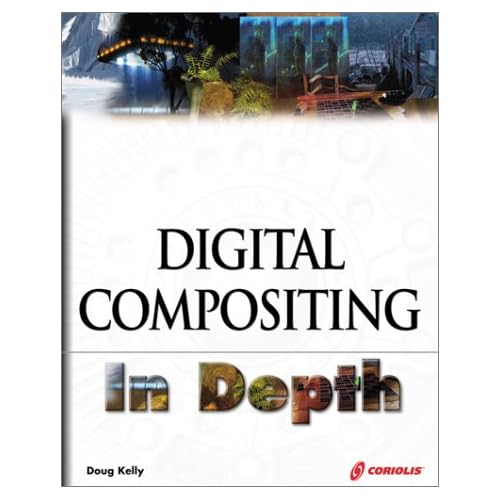
There is often far more going on in any given frame of a contemporary movie or commercial than meets the eye. In Digital Compositing in Depth, the techniques of both visible and invisible effects are explored and explained.

Obvious visual effects are pervasive in today’s broadcast media; less obvious effects like color correction, image stabilization, object removal, and virtual backgrounds are more common than most observers might guess. Continue Reading

In this lecture, Tim breaks down the process of rendering passes out of 3ds Max and demonstrates how to composite them together in Digital Fusion. Learn how to generate many different types of passes and how they are used in production. Identify and correct commonly occurring issues, from incorrect matte edges to bit depth and color correction. Acquire an understanding of what happens under the hood inside your 3D software and how to mimic that behavior while compositing to produce the highest quality renders. Tim demonstrates his techniques using Scanline, V-Ray and Brazil. Continue Reading

ColdFusion 8 Beyond the Basics demonstrates how to utilize ColdFusion 8 to its full potential, from setting up a project to using ColdFusion Components and sessions in a shopping cart application. Instructor David Gassner leaves no stone unturned as he teaches advanced techniques, including how to use ColdFusion 8 with Flash forms and PDFs, create presentations with imported audio and video, and work with XML files. Exercise files accompany the tutorials.

Continue Reading



